Remotes & keys · Compatibility
How to Identify a Compatible Garage Door Remote: Brand, Model, Frequency and Coding
Match a replacement garage remote using the opener model, original remote, frequency and coding system rather than appearance.

In this guide · Jump to a section
Quick answer: Identify the garage opener's brand and motor model first, then record the original remote model, frequency and coding system. A remote with the same frequency can still be incompatible if it uses a different protocol or rolling-code generation.
Photograph the label on the ceiling or gate motor and both sides of the original remote. Do not rely on case colour, button count or a generic “433MHz” claim.

Matching checklist
| Detail | Where to find it | Why it matters |
|---|---|---|
| Motor brand/model | Opener housing label | Strongest system identifier |
| Remote model | Case or battery compartment | Confirms remote family |
| Frequency | Label or manual | Must match but is not sufficient |
| Coding | Manual or listing | Fixed and rolling code differ |
Frequency is only one requirement
Two remotes can both state 433MHz or 433.92MHz while using different encoding or receiver families. The product listing should explicitly name the original remote or opener models.

Program using the correct learn procedure
Many replacements are enrolled using a learn button on the opener, but location, timing and memory behaviour vary. Follow the instructions for the exact motor and avoid erasing all stored remotes unless intended. Test the door safely and never bypass obstruction sensors.
Shop garage remotes
FAQs
Will any 433MHz remote work?
No. Frequency, coding protocol and receiver compatibility must all match.
Can a simple cloner copy rolling code?
Many rolling-code systems require receiver enrolment and cannot be copied by a basic cloner.
Can programming erase old remotes?
Some procedures can clear memory, so follow the model-specific instructions.
Products linked in this guide
-
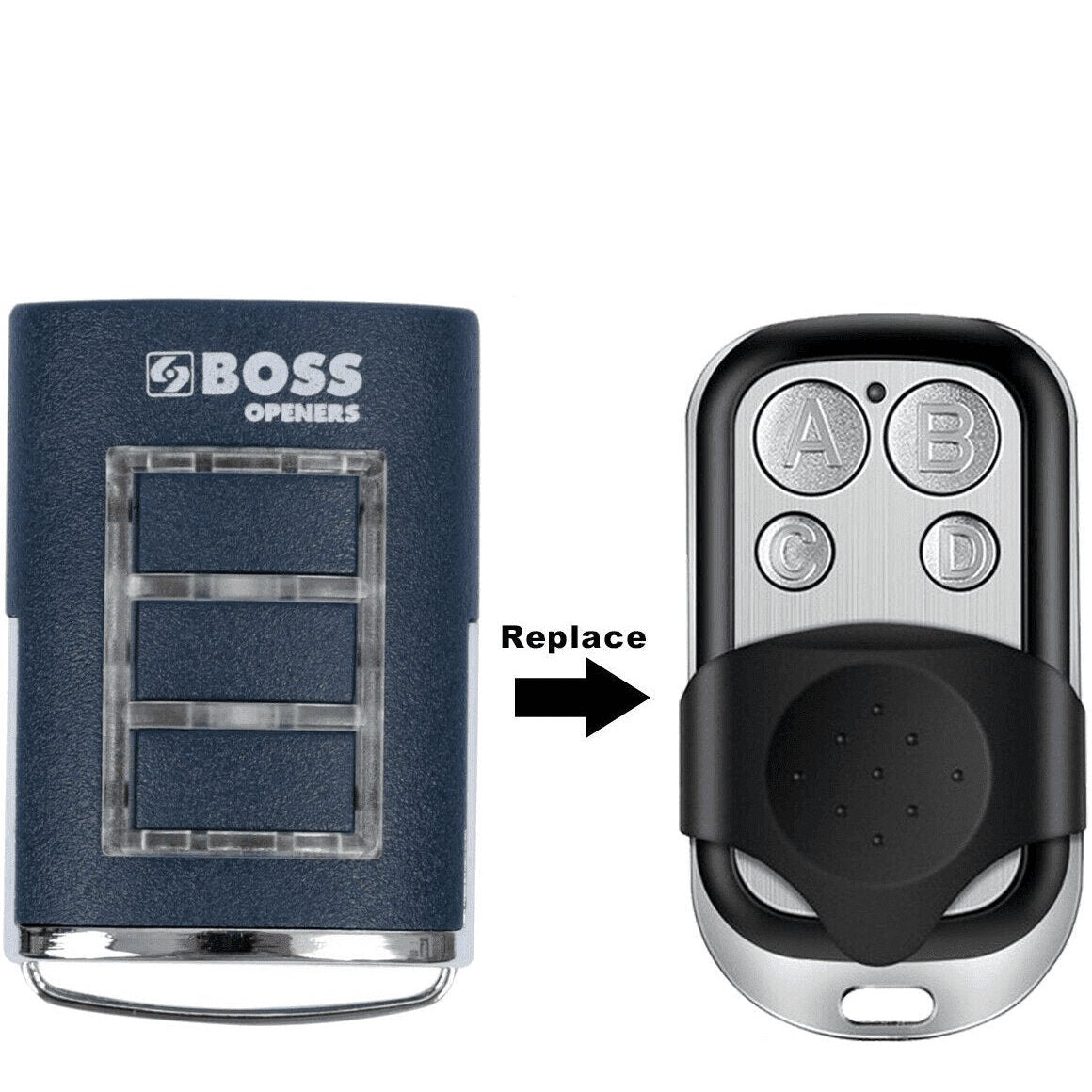
Boss Replacement Compatible For Remote Garage BHT3/BHT-3/HT3/BOSS6 433MHz BOL4/BOL6/OL4 $22.00 NZD View current product details
-
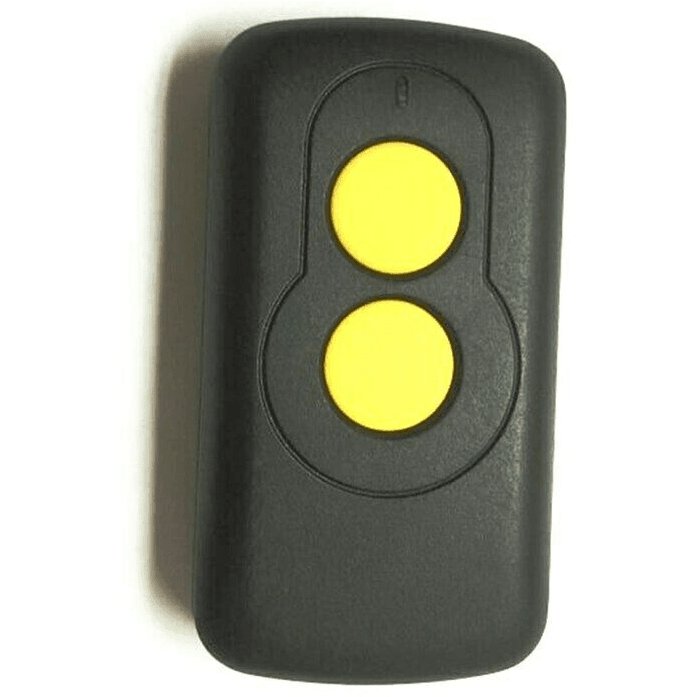
Garage Door Remote Compatible For ATA TXA1/TXA2/TXA4 GDO-2/GDO-3/GDO-4/SGO1/SGO2 $36.00 NZD View current product details
Check the product page for current specifications, compatibility and availability.