Ink & toner · Compatibility
How to Find the Correct Ink or Toner Cartridge Using Your Printer Model Number
Find the correct ink or toner by locating the complete printer model, identifying the cartridge family and checking yield compatibility.
In this guide · Jump to a section
Quick answer: Locate the printer's complete model number, then use the manufacturer's cartridge code—not just the brand—to find a match. Confirm whether the printer accepts standard, XL or high-yield versions of that cartridge family.
Look on the front panel, rear rating label, underside or printer information page. Record every letter and digit. A prominent series name on the lid is not always the complete model.

Three identifiers should agree
| Identifier | Example | Purpose |
|---|---|---|
| Printer model | XP-5100, WF-2860, M15a | Defines supported family |
| Cartridge code | 202XL, CF248A/48A | Primary search term |
| Yield version | Standard, XL, high yield | Capacity when supported |
Read the installed cartridge
Open the access area and record the code on the current cartridge. For inkjets, each colour may use a common family number with colour suffixes. For laser printers, distinguish the toner number from the drum or waste-toner unit.

Standard versus high yield
High-yield cartridges contain more ink or toner and can reduce cost per page, but only when the printer supports that version. Check the compatibility list rather than assuming that a similar code will fit.
Shop by cartridge code
FAQs
Is the printer series name enough?
No. Use the complete model number.
Can XL replace standard?
Only if the printer explicitly supports the XL version.
Is toner the same as a drum?
No. Some laser printers use separate toner and imaging-drum units.
Products linked in this guide
-
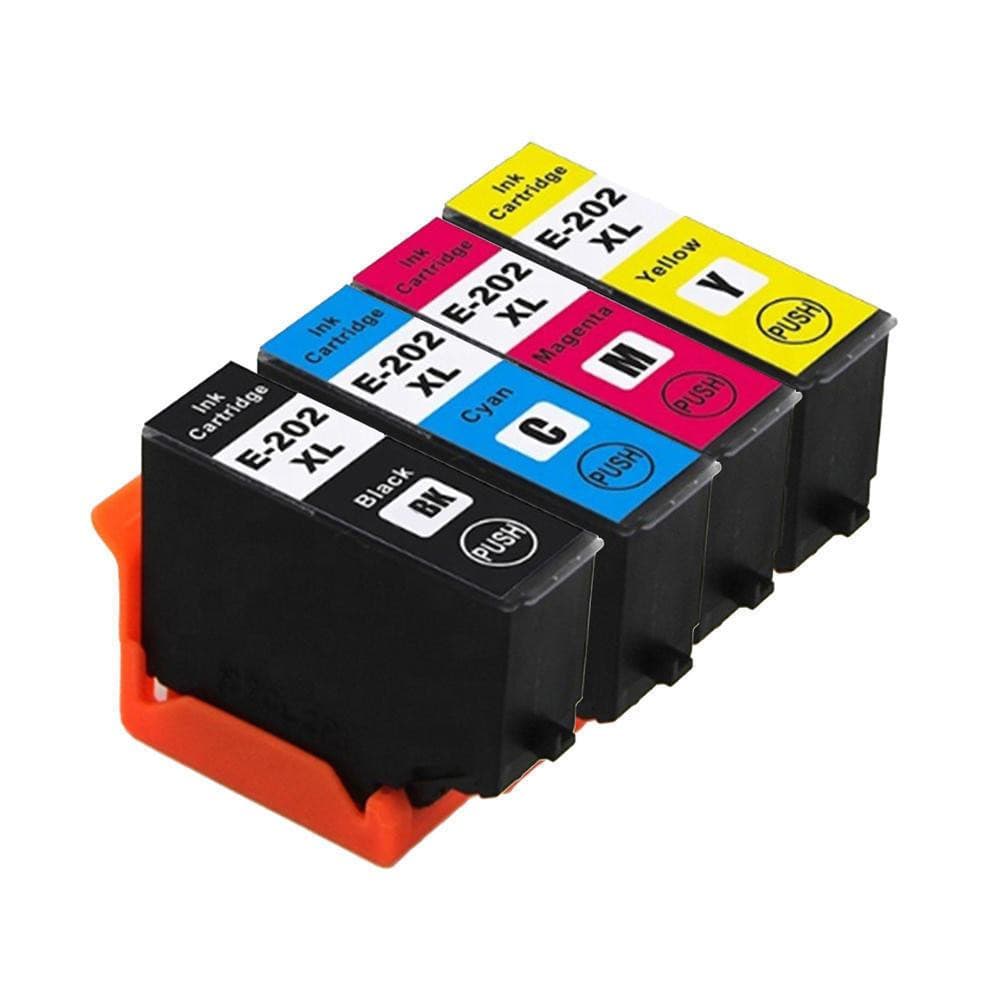
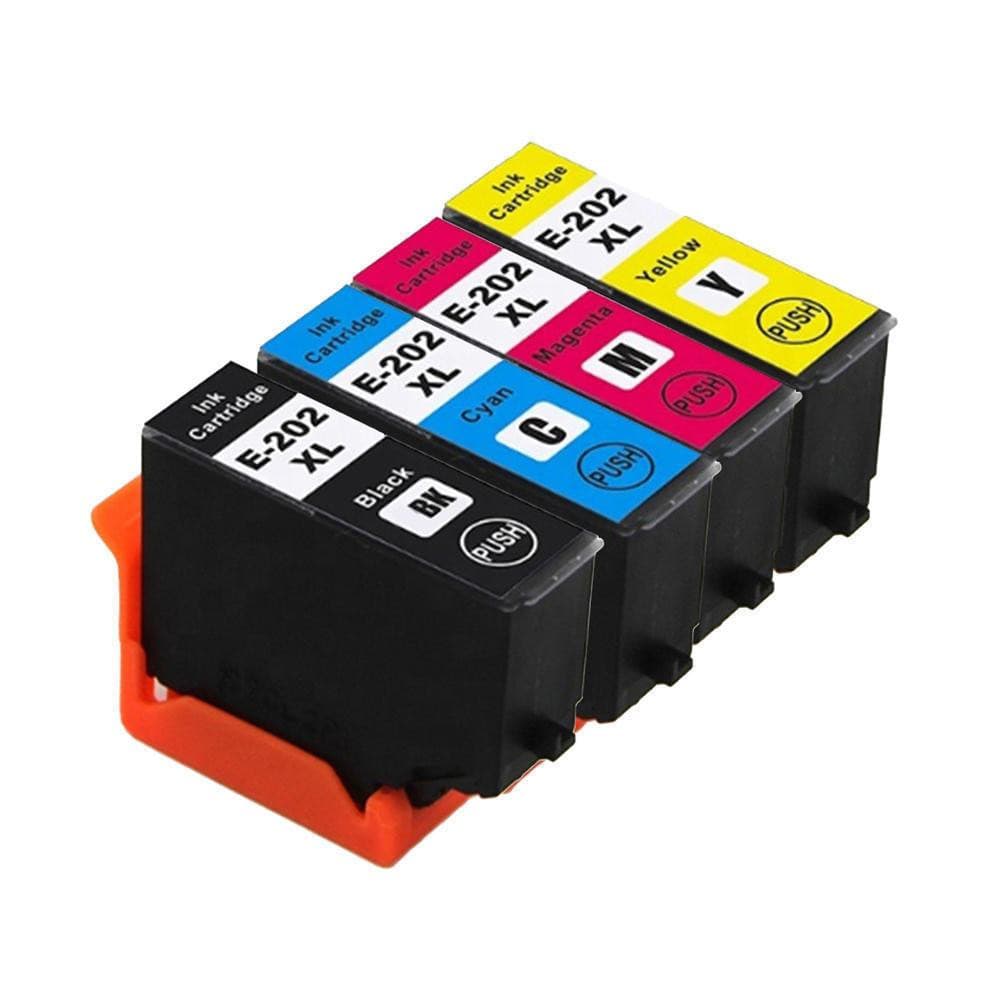
4 x Compatible Ink 202xl 202 T202xl E-202xl for Epson xp5100 WF2860 $29.00 NZD View current product details
-
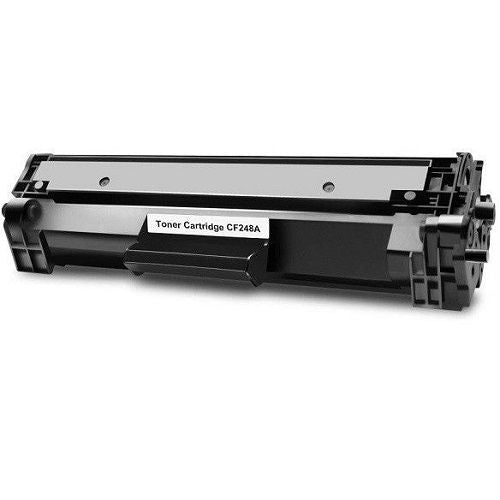
HP CF248A 48A Compatible Toner Cartridge | Black $29.00 NZD · Sold out View current product details
Check the product page for current specifications, compatibility and availability.