Charging & power · Buying advice
How to Choose a USB Charging Hub for an Office, School or Shared Workspace
Choose a multi-port USB charging station by calculating device count, total power, connector mix, cable management and placement.

In this guide · Jump to a section
Quick answer: Count how many devices will charge simultaneously, then compare their combined power demand with the hub's total output. The number of ports alone does not tell you how much power each connected device will receive.
A shared station can organise phones, tablets, headsets, scanners and other accessories, but USB-C laptops often require a dedicated Power Delivery charger. Separate low-power convenience charging from laptop charging when planning the setup.

Charging requirements
| Device | Main consideration | Approach |
|---|---|---|
| Phones and small tablets | Shared total output | Multi-port station |
| Headsets and scanners | Usually low power | Standard USB ports |
| Large tablets | Can charge slowly on weak ports | Check per-port rating |
| USB-C laptops | Often 45W–87W USB-PD | Dedicated compatible charger |
Calculate real simultaneous demand
List the devices used at the busiest time and compare their approximate wattage with the station's total rating. A hub can have 20 ports but still share a limited power budget. Leave spare capacity rather than operating at the maximum continuously.

Placement and maintenance
Use a stable, ventilated surface away from liquids, paper piles and direct heat. Label cables, avoid tight coils around warm adapters and replace frayed leads or loose plugs. In schools and public environments, secure the station so connectors are not repeatedly pulled sideways.
Recommended products
FAQs
Does every port deliver maximum power?
Not necessarily. Read the total and per-port output specifications.
Can a USB-A hub charge laptops?
Generally not at normal laptop rates; most require USB Power Delivery.
Is a higher-watt charger unsafe?
A compliant USB-PD device negotiates power, but the charger and cable must be compatible and undamaged.
Products linked in this guide
-
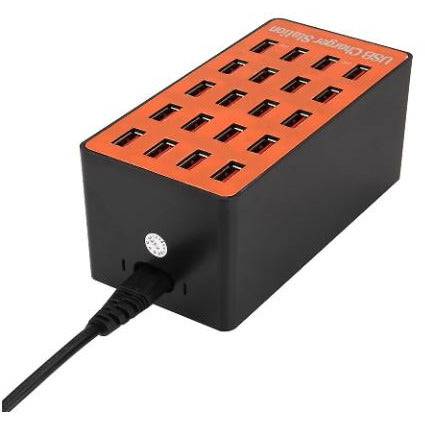
20 Ports Usb Hub Smart Charger High Power Fast Charging Station For Phone Tablet Laptop $89.00 NZD View current product details
-
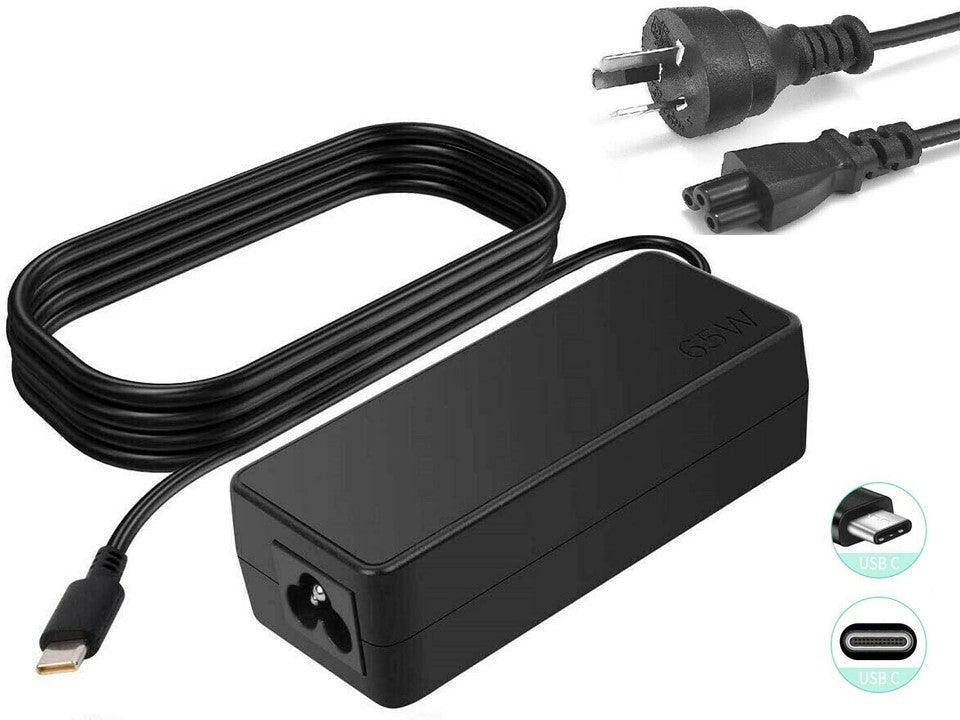
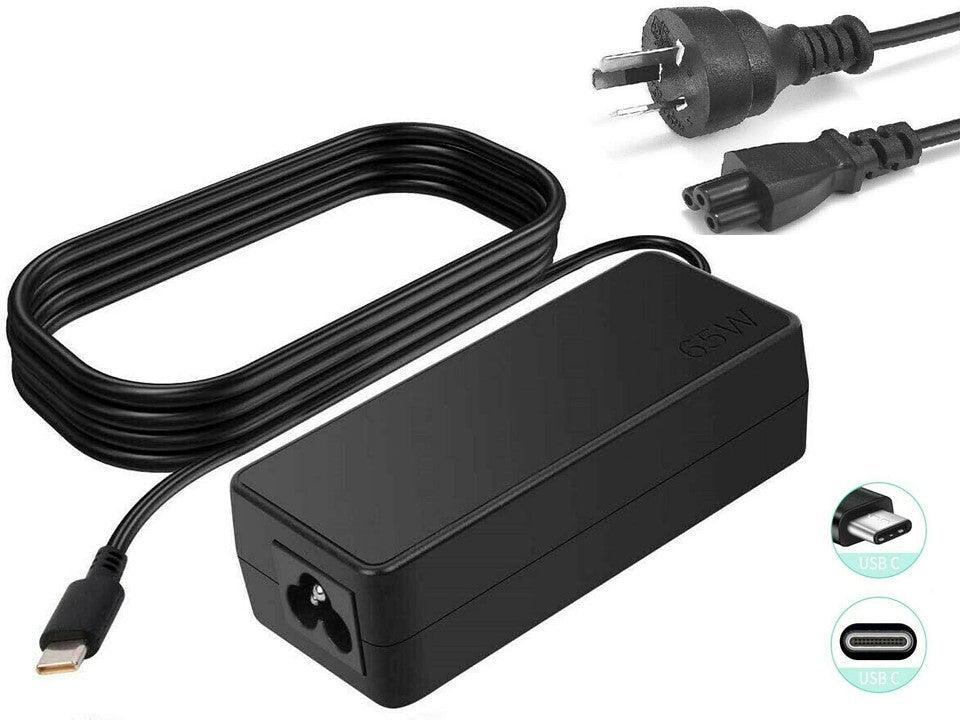
65W USB-C Laptop Charger for Lenovo Yoga, ThinkPad T480, X1 Carbon, Yoga C930-13, S730-13, Chromebook $45.00 NZD View current product details
-
87W USB-C AC Charger Compatible for 15" A1707 MacBook Pro With Thunderbolt 3 Type C $52.00 NZD View current product details
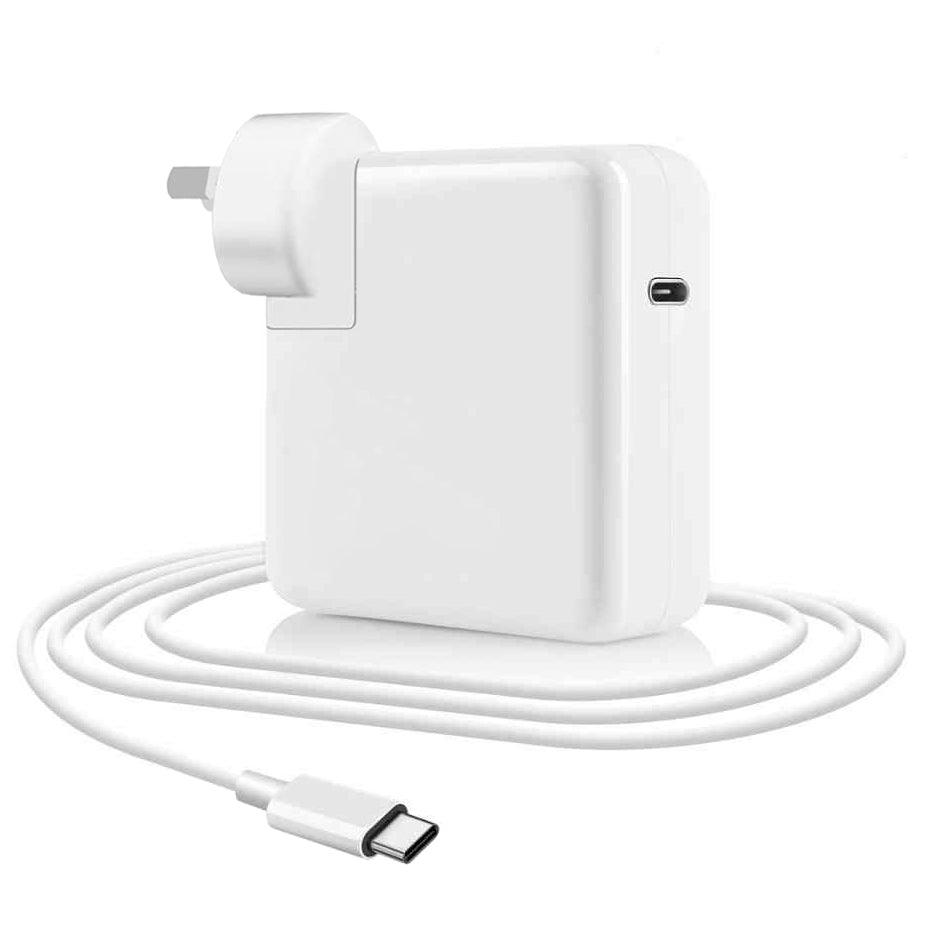
Check the product page for current specifications, compatibility and availability.