Charging & power · Compatibility
USB-C Laptop Charging Guide: PD Wattage and Cable Choices
Match USB-C PD wattage, cables and laptop connectors for MacBook, Surface and universal charging replacements.
In this guide · Jump to a section
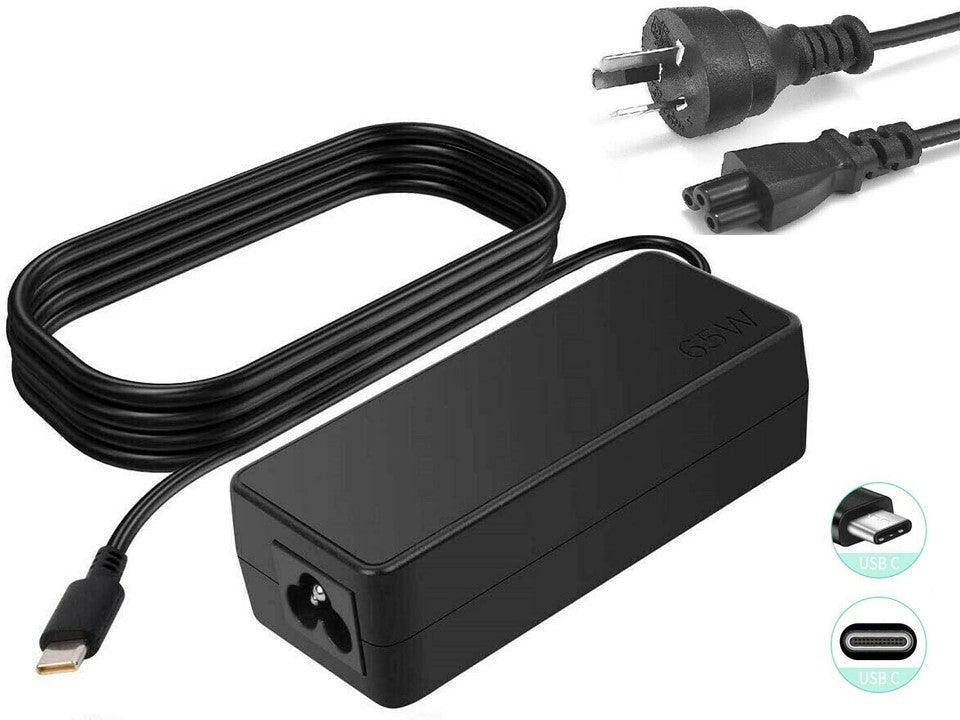
A USB-C plug fitting your laptop does not guarantee that a charger will provide the right power. USB-C describes a connector, while USB Power Delivery describes a negotiated charging system. This USB-C and laptop charging guide explains how to match wattage, cable and connector before buying.
Begin with the label on your original charger or the device manual. Record its wattage, output voltage, connector and model family. Then choose a replacement that meets the device requirements without assuming that every USB-C cable or wall charger is interchangeable.
Read wattage, volts and connector type
Wattage is the rate of power a charger can supply. It is calculated from voltage multiplied by current. A listing for a 60W USB-C cable, for example, states up to 20V and 3A. Your laptop and charger still need to negotiate a suitable USB-PD profile.
Check the connector before anything else. Newer USB-C laptops may charge through a USB-C port. Earlier MacBook Air and MacBook Pro models in this batch use MagSafe 2 T-shape connectors, which are physically different. A traditional barrel-tip laptop charger needs the exact compatible tip and voltage.
For Surface Pro 3 through 7, the listed adapter converts USB-C PD to a Surface-style connector and specifies 15V/3A, or 65W. It requires a PD source that supports 15V, plus a suitable cable. An adapter cannot create a missing PD profile.
USB-C charging cross-reference
| Need | What to match | Example from this batch |
|---|---|---|
| USB-C laptop charge | USB-PD charger, wattage and cable rating | 60W USB-C to USB-C cable states 20V/3A maximum |
| Surface charging adapter | 15V PD output and up to 65W requirement | USB-C to PD adapter for Surface Pro 3–7 |
| Older MacBook Air | 45W and MagSafe 2 T-shape plug | A1466 charger for listed 2013–2017 models |
| MacBook Pro A1398 | 85W and MagSafe 2 T connector | Listed 15-inch and 17-inch charger |
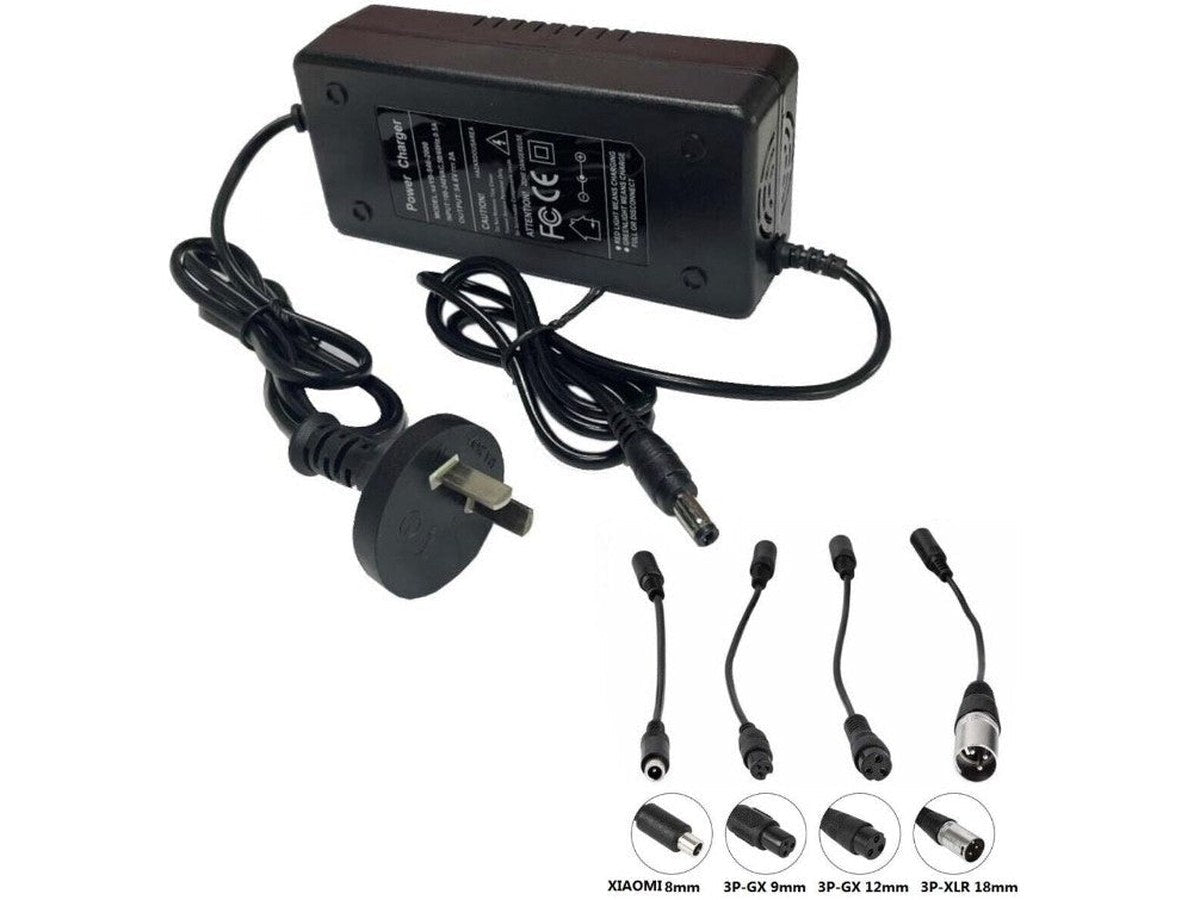
| Barrel-tip laptop | Voltage range and exact tip size | Universal multi-tip charger options |
More available wattage does not remove the need to match the connector and charging standard. Equally, a USB-C lead that carries data may not be rated for the power you need. Treat the charger and cable as a pair when checking a USB-C setup.
Choose the charger and cable together
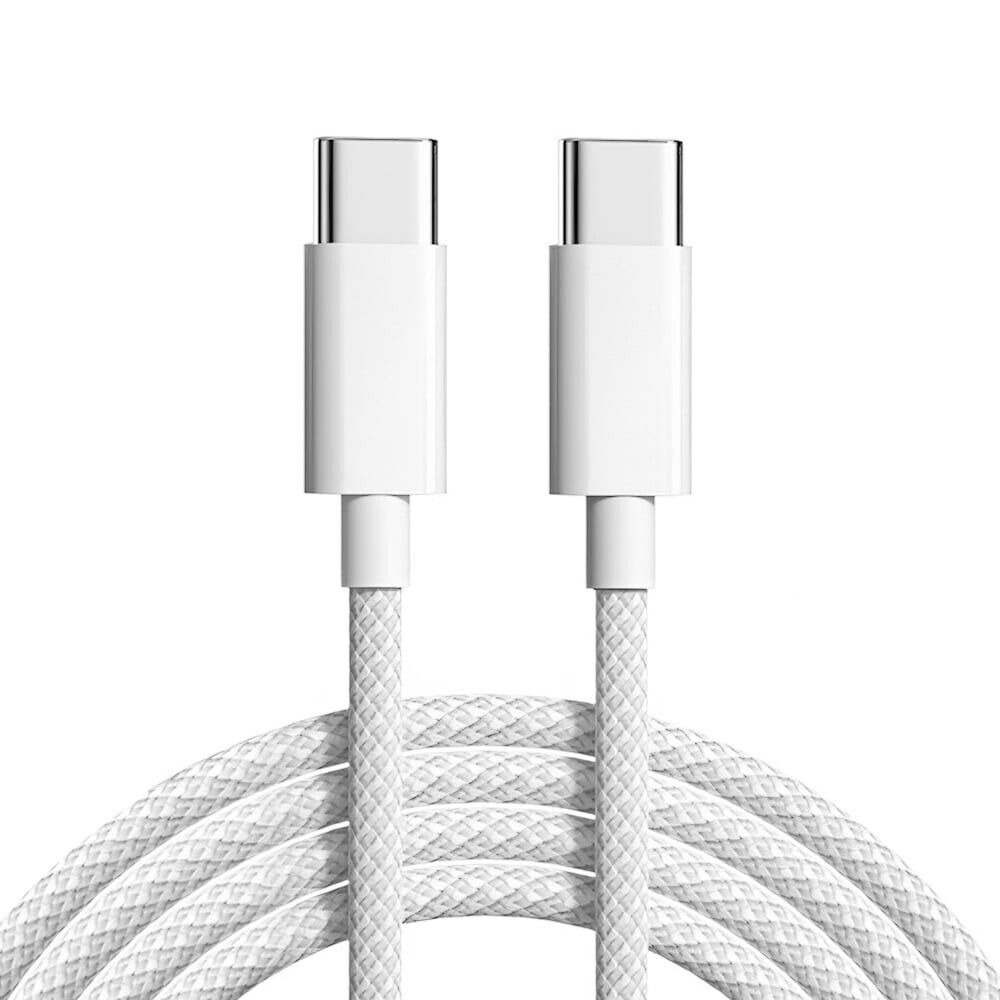
For a USB-C notebook, start with the laptop's required input and select a PD charger that can provide it. Next check the cable rating. The 1 m USB-C to USB-C two-pack is stated for PD 60W, whereas the USB-C to USB cable is stated for up to 15W charging. They serve different needs.
For an older MacBook, the plug type is decisive. A 45W MagSafe 2 T-shape unit is listed for certain 13-inch MacBook Air A1466 models, while the 85W MagSafe 2 T unit is listed for certain MacBook Pro A1398 models. Do not substitute based on wattage alone.
Universal laptop supplies can be practical when their voltage range and included tip match your exact device. Check each setting and tip against the original supply label before connecting. Never force a barrel connector that feels loose or tight.
Charge safely at home, work and in the car
Inspect cables for bent plugs, split insulation or loose ends. Replace damaged leads rather than taping them. Keep power adapters ventilated on a hard surface and away from bedding, papers and moisture.
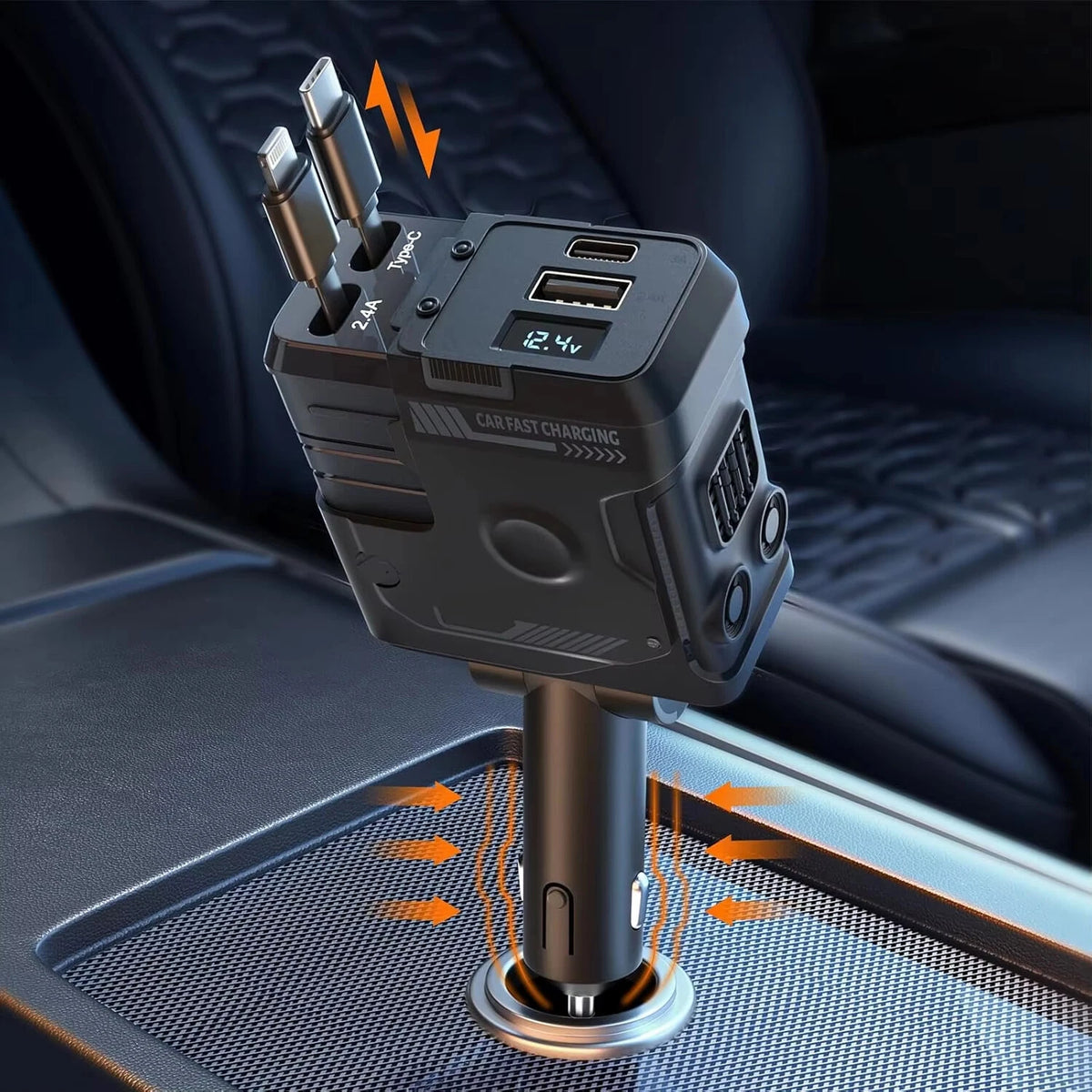
Use the supplied Australian plug equipment as intended, and do not overload a power board. For a car charger, check the vehicle power socket fit and keep retractable cables clear of pedals and gear controls. Four-device charging capacity does not mean every device receives the same share of available power.
When using a USB-C display cable, separate video support from charging support. The USB-C to HDMI and USB-C to DisplayPort products are described for video connections; they are not stated as laptop charging cables. Match the task to the cable rather than relying on the shared USB-C connector.
Chargers, cables and adapters to compare
OfficeCatch stocks USB-C charging items alongside MacBook, Surface and universal laptop replacement options. Use the following products as a starting list, and compare every stated connector, voltage and model detail with your existing equipment before ordering.
| Product | Check before ordering |
|---|---|
| 120W retractable car charger | Match the connector, voltage and stated model to your notes |
| 60W USB-C to USB-C cable two-pack | Match the connector, voltage and stated model to your notes |
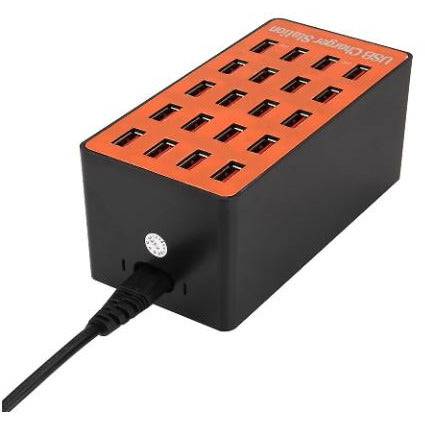
| 20-port USB charging station | Match the connector, voltage and stated model to your notes |
| Canon LP-E17 dual USB charger kit | Match the connector, voltage and stated model to your notes |
| Nikon EN-EL14 dual USB charger kit | Match the connector, voltage and stated model to your notes |
| 30W USB-C MacBook charger | Match the connector, voltage and stated model to your notes |
| USB rechargeable D battery four-pack | Match the connector, voltage and stated model to your notes |
| 45W MagSafe 2 MacBook Air charger | Match the connector, voltage and stated model to your notes |
| 85W MagSafe 2 MacBook Pro charger | Match the connector, voltage and stated model to your notes |
| 96W universal laptop charger | Match the connector, voltage and stated model to your notes |
| USB-C to USB charging cable | Match the connector, voltage and stated model to your notes |
| HDMI to VGA monitor lead | Match the connector, voltage and stated model to your notes |
| wired Xbox and PC controller | Match the connector, voltage and stated model to your notes |
| USB-C PD Surface adapter | Match the connector, voltage and stated model to your notes |
| 90W universal multi-tip charger | Match the connector, voltage and stated model to your notes |
| universal adjustable laptop adapter | Match the connector, voltage and stated model to your notes |
| USB-C to DisplayPort cable | Match the connector, voltage and stated model to your notes |
| USB-C to HDMI cable | Match the connector, voltage and stated model to your notes |
| USB rechargeable D battery two-pack | Match the connector, voltage and stated model to your notes |
| USB-C to HDMI cable for Samsung | Match the connector, voltage and stated model to your notes |
FAQs
How many watts does my USB-C laptop charger need?
Use the wattage shown on the original power adapter or in your laptop documentation as the starting point. Then check that the replacement charger and USB-C cable support the required USB-PD power. A connector that fits does not, on its own, confirm suitable charging capacity.
Can I use a 60W USB-C cable with a laptop?
You can use it when the laptop and charger requirements are within the cable's stated rating. The listed USB-C to USB-C cable supports PD 60W and states a 20V/3A maximum. Check the laptop's power need and the charger output as well, since the cable is only one part of the setup.
Does a USB-C charger work with a Surface Pro?
The listed Surface adapter is made for Surface Pro 3, 4, 5, 6 and 7, and it requires a USB-PD source that supports 15V. The listing gives a 65W rating. Check your Surface model, the adapter requirement and the PD charger output before connecting it.
Can I replace a MagSafe MacBook charger with USB-C?
Not directly. Earlier models in this guide use MagSafe 2 T-shape connectors, while USB-C models use a different port and charging arrangement. Choose a charger with the connector and wattage stated for your exact MacBook model. Do not force adapters or use a connector that does not match.
Products linked in this guide
-
120W Retractable 4-in-1 Car Charger with USB-C, iPhone Cables & Voltage Display – AU Adapter $37.00 NZD View current product details
-
1M USB Type C to USB-C Cable Cable Charge PD 60W Quick Charging Data Fast Charger | 2 PCS $13.00 NZD View current product details
-
20 Ports Usb Hub Smart Charger High Power Fast Charging Station For Phone Tablet Laptop $88.00 NZD View current product details
Check the product page for current specifications, compatibility and availability.