Batteries & cameras · Compatibility
Camera Battery Finder: Canon, Nikon, Sony and GoPro Codes
Find the right camera battery by matching Canon, Nikon, Sony, Panasonic and GoPro codes, voltage and your exact device model.
In this guide · Jump to a section
A camera battery finder starts with one small detail: the code on the old battery. Names such as LP-E17, EN-EL14, NB-13L and NP-FW50 identify a battery family more reliably than a camera’s colour, age or lens mount.
This guide explains how to read that code, compare the physical and electrical details, and narrow a replacement safely. It also maps the battery listings available at OfficeCatch to the camera or device names stated in their product information.
Do not guess from a photograph alone. A battery can resemble another pack while using different terminals, dimensions or communication contacts. Keep the old pack beside you while checking each listing.
Start with the code in the battery compartment
Turn the camera off, remove its battery and read every character on the label. Hyphens matter: NB-5L and NB-13L are not the same code. Record the brand, code, voltage and any model printed inside the battery door. A camera manual can help where the label has worn away.
Then compare the code against the replacement’s stated compatible parts. The camera model list is a useful second confirmation, especially where a maker sells similar bodies across several years. For interchangeable-lens cameras, do not treat a lens name as a battery identifier.
- Match the complete battery code before looking at capacity.
- Confirm the device model against the listing where it is supplied.
- Compare the stated voltage and the terminal side of the pack.
- Use dimensions only as a cross-check, not as the first filter.
Camera battery code cross-reference
| Battery code | Examples named in the listing | Stated electrical detail | Useful distinction |
|---|---|---|---|
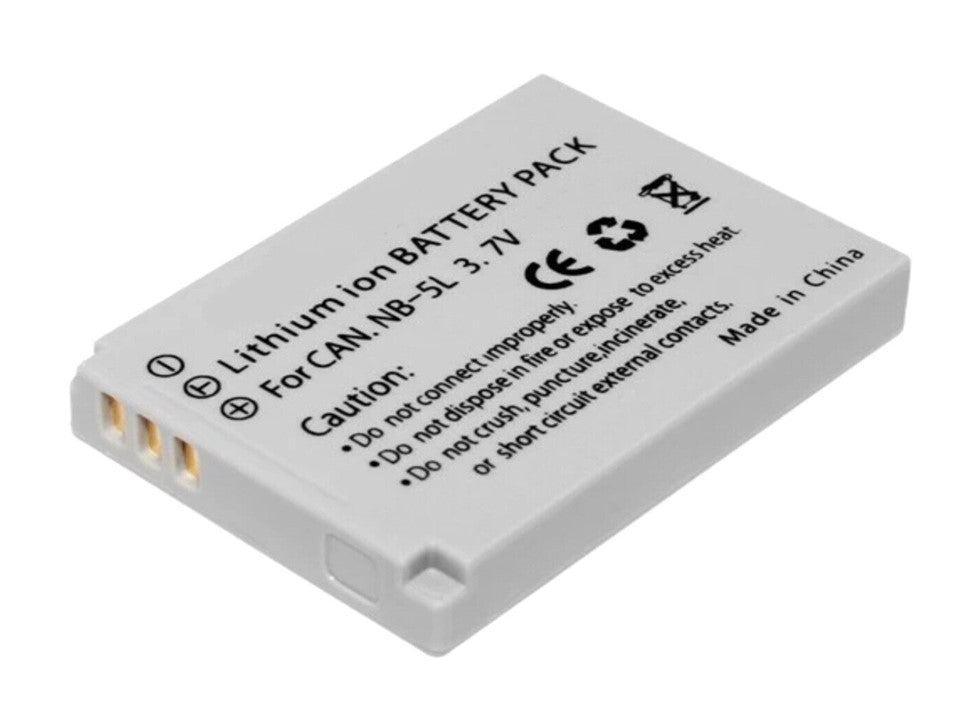
| NB-5L | Canon PowerShot S100, S110, SD950 and SD970 | 1600mAh | Also named NB5L and NB 5L |
| LP-E5 | Canon EOS 1000D, 450D and 500D | 7.2V/7.4V; 1020mAh | 48 × 36 × 14.5mm listed |
| NB-13L | Canon PowerShot G1 X Mark III, G5 X, G7 X and SX740 HS | 3.6V/3.7V; 1500mAh | 42 × 29.6 × 9.6mm listed |
| EN-EL14 / EN-EL14a | Nikon D3100, D3200, D3300 and D5100 | 7.2V/7.4V; 1800mAh | Both codes are named |
| AHDBT-401 | GoPro HERO4, HERO4 Black and HERO4 Silver | 7.2V/7.4V; 1800mAh | Not the HERO2 pack |
| NP-BX1 | Sony Action Cam models are named | 3.6V/3.7V; 1350mAh | 42.69 × 29.54 × 9.15mm listed |
The table is a sorting aid, not a substitute for checking your device. In particular, “HERO”, “PowerShot” and “Lumix” cover many generations. Use an exact body name and a battery code together.
Compare voltage, capacity and charger details
Voltage is a compatibility check, while milliamp-hours describe stated capacity. A larger mAh figure does not make a different battery family suitable. Check the number on the old pack and look for the same voltage range in the replacement information.
Charging gear also deserves a separate check. A dual USB charger may be useful for a matching pair of packs, but it does not convert one battery code into another. Follow the charger instructions and use a stable USB power source. Let a battery cool after a long shoot before charging it.
For action cameras and drones, count the device generation carefully. GoPro HERO4 and HD HERO2 batteries have different stated part codes. A drone flight battery is a purpose-built pack; it should not be substituted with a camera battery that shares a familiar brand name.
Care and safety before the next shoot
Inspect the contacts and battery door before installation. Dust, bent contacts and a loose latch can cause power faults that look like a failed battery. Insert the pack in the direction shown inside the compartment and close the door without force.
Stop using a battery if its case is swollen, cracked, leaking or unusually hot. Keep spare lithium-ion packs in a protective case when travelling, so keys or coins cannot bridge the contacts. For storage, choose a cool, dry place and avoid leaving batteries on a dashboard.
Before a wedding, trip or long recording session, charge and test each pack in the actual camera. Check that the camera starts, displays its battery indicator and records normally. That short test is more useful than discovering a mismatch at the location.
Camera and action battery options
Use the code and model checks above to choose from these listings. OfficeCatch includes individual replacements and selected battery-and-charger kits for the families named below.
- Canon NB-5L 1600mAh replacement is listed for selected PowerShot models and the CB-2LXE charger.
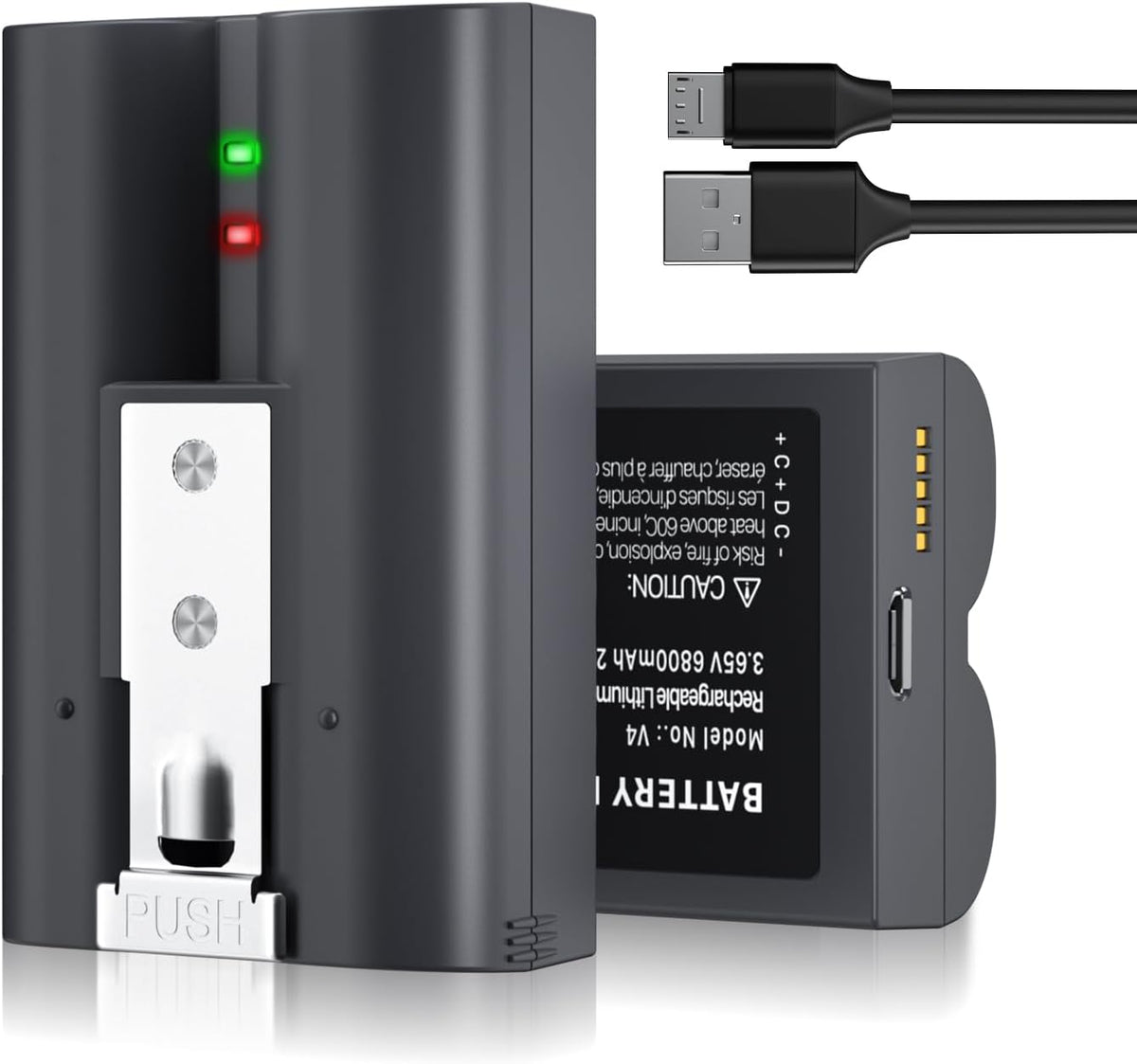
- Ring video doorbell two-pack is listed for Ring Video Doorbell 2, 3, 3 Plus and 4.
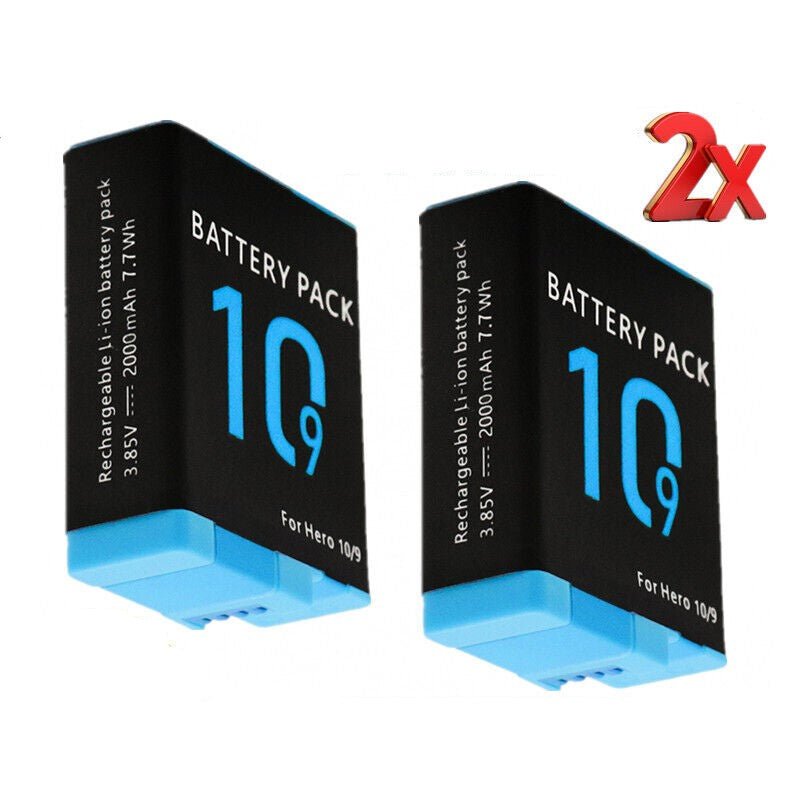
- GoPro HERO 9 and 10 two-pack suits the HERO 9 and 10 family named on its listing.
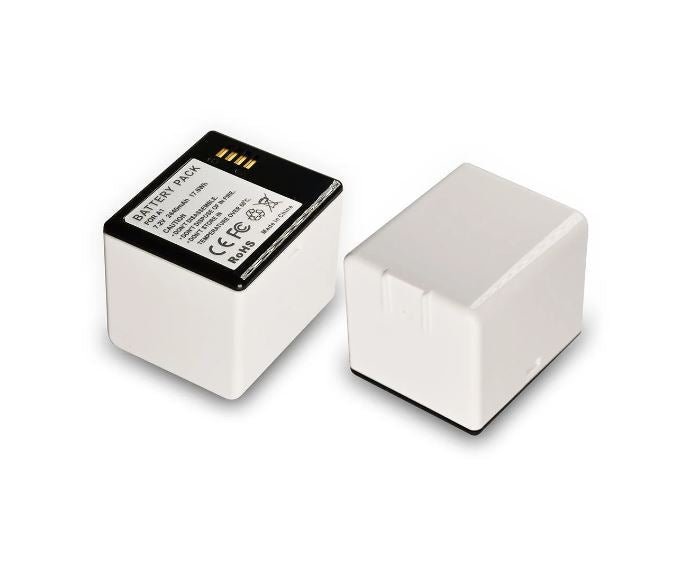
- single GoPro HERO 9/10 battery has a stated 2000mAh capacity.
- Canon LP-E17 dual USB kit includes two batteries and a dual-slot USB charger.
- Nikon EN-EL14 dual USB kit names D3100, D3200, D3300 and D5100 cameras.
- Canon LP-E5 replacement is listed for EOS 1000D, 450D and 500D bodies.
- Canon NB-13L replacement names the G7 X and several other PowerShot cameras.
- DJI Mavic Air 2 flight battery has a stated 3500mAh and 40.42Wh rating.
- GoPro AHDBT-401 replacement is listed for HERO4 variants.
- GoPro HD HERO2 replacement names ABPAK-001, AHDBT-001 and AHDBT-002.
- Nikon EN-EL14 compatible replacement names EN-EL14 and EN-EL14a parts.
- Nikon EN-EL5 compatible replacement is listed for several Coolpix models.
- Panasonic DMW-BLG10E replacement names Lumix DC-G100 and DC-GX9 cameras.
- Sony NP-BX1 replacement is listed for named Sony Action Cam models.
- Sony NP-FW50 replacement has a stated 1500mAh capacity and 7.2V/7.4V range.
Keep the original label or a clear photo of it with your camera bag. The next replacement will be faster to identify, and you will have a dependable reference if the old pack becomes unreadable.
FAQs
How do I find the battery code for my camera?
Open the battery door and read the code printed on the existing pack. If it is missing, check the camera manual or the manufacturer’s support page using the exact model name. Match the code first, then confirm the shape, terminal layout and voltage shown for the replacement before ordering.
Can I use an EN-EL14a battery in a Nikon camera that takes EN-EL14?
The Nikon-compatible replacement listing identifies both EN-EL14 and EN-EL14a in its compatible parts. Still compare your camera model with the listed models and inspect the label in the battery compartment. A shared family name is useful, but the printed code and fit in your particular camera remain the final checks.
Which battery does a Canon PowerShot G7 X use?
The Canon NB-13L replacement is listed for PowerShot G7 X, G7 X Mark II and G7 X Mark III, among other models. Check the exact generation printed on the camera, then compare it with the compatibility list. Do not select a battery merely because another PowerShot camera looks similar.
Should I store a spare camera battery in the camera?
For transport, keep the spare protected from loose metal objects and avoid hot vehicles or direct sun. For longer storage, follow the camera and battery maker’s guidance, keep it dry, and check it before an important shoot. Never use a swollen, damaged or unusually hot battery.
Products linked in this guide
-
1600mAh NB5L Battery NB-5L NB 5L For Canon CB-2LXE Shot S100 S110 SD950 SD $24.00 NZD View current product details
-
2-Pack Replacement Battery for Ring Video Doorbell, 6800mAh 3.65V Rechargeable Camera Battery Compatible with Ring Video Doorbell 2/3/3 Plus/4 $88.00 NZD View current product details
-
Replacement Battery for GoPro HERO 10 & 9 Replacement Battery | 2 Pack $62.00 NZD View current product details
Check the product page for current specifications, compatibility and availability.