
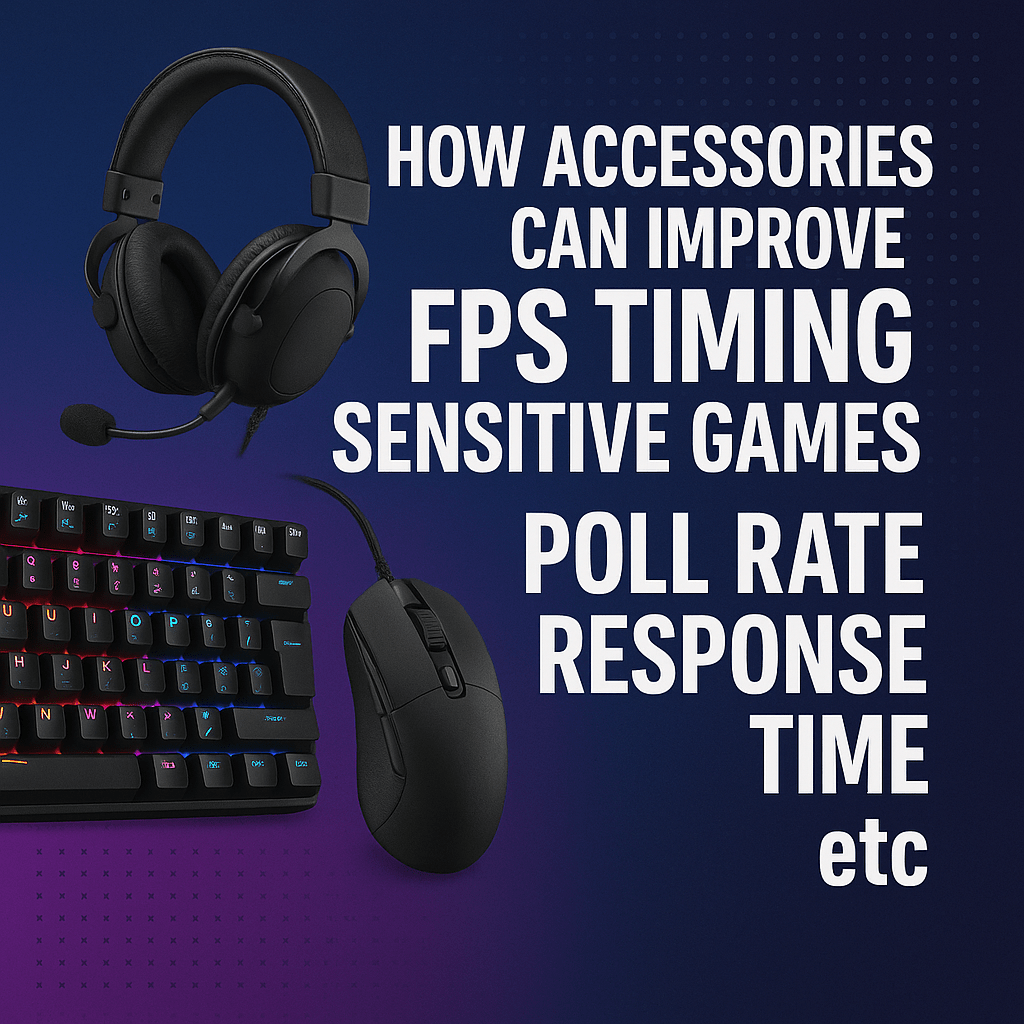
Ever had one of those moments in Valorant, CS2, or Warzone where you swear you clicked first… but the kill cam says otherwise? Or you flick to a head, only to feel your crosshair “float” past it? Competitive gaming accessories don’t just test your aim they test timing. Milliseconds matter. And while PC upgrades get all the hype, the truth is: the right gaming accessories FPS improvement setup can be the difference between “almost” and “clutch.”
In this guide, we’re breaking down (in plain English) poll rate, response time, latency, and refresh rate, and showing exactly how smart gear upgrades can sharpen reaction speed, consistency, and control. If you’re chasing that competitive edge, this is where it starts.

Why Accessories Matter in FPS Games (More Than You Think)
Your PC renders frames. But your accessories are how you talk to the game. If that conversation is slow or inaccurate, you lose fights you should win.
Think of your setup like a relay team:
-
You react (brain + muscle)
-
Mouse/keyboard captures input
-
PC processes input
-
Monitor displays the result
-
Headset delivers critical audio cues
If any part of that chain lags or misreads you, your performance suffers even if you’ve got a monster GPU.
That’s why the best gaming accessories Australia players invest in aren’t just about comfort or looks. They’re about speed and fidelity.

The Key Terms That Actually Affect Your Performance
Poll Rate (Mouse)
Poll rate is how often your mouse reports its position to your PC.
-
125Hz = 125 updates per second
-
1000Hz = 1000 updates per second
-
4000Hz / 8000Hz = ultra-high updates
Higher poll rate means:
-
faster input delivery
-
more accurate micro adjustments
-
less “gap” between your hand movement and crosshair movement
In a tight duel, accessories especially during flicks or tracking, that can be the difference between a hit and a whiff. This is why searching for a poll rate mouse FPS upgrade is one of the biggest immediate wins for competitive players.
Response Time (Keyboard / Monitor)
Response time is how quickly a device reacts to an input or changes a pixel.
-
Keyboard response time affects how quickly a keypress becomes an in game action
-
Monitor response time affects how quickly pixels shift from one colour to another
Lower response time means:
-
less ghosting
-
clearer targets in motion
-
more reliable movement inputs
If you’ve ever felt your strafes don’t “bite” instantly or your counter-strafes feel floaty, a response time gaming keyboard or faster monitor can fix more than you’d expect.
Latency (Headset / Wireless Gear)
Latency is total delay between action and feedback.
In audio, that means:
-
footsteps arrive late
-
direction feels muddy
-
timing your swing becomes guesswork
That’s why picking a low latency gaming headset is a huge deal in games where sound is half the fight. A compact, travel-friendly docking station that lets you charge your Nintendo Switch and play on TV without carrying the bulky original dock. Ideal as a spare or replacement for home, office, or on the go setups.

The Accessories That Make the Biggest Difference in FPS
Upgrade your PS4 sessions with a DualShock 4 V2–style compatible controller built for smooth, responsive play. Whether you’re grinding ranked in FPS titles or chilling with co-op, this pad gives you the familiar DS4 feel with reliable wireless freedom.
If you’ve been searching for gaming accessories FPS improvement, a high-polling mouse is the most obvious value for performance move.
Internal link placeholder:
Check out high-performance mice here:
[https://www.officecatch.com.au/collections/gaming-accessories
2. Mechanical Keyboards with Fast Response
In FPS games, movement is aim. If your keyboard feels mushy or delayed, your peeks and strafes suffer.
A good mechanical board improves:
-
faster strafes
-
cleaner counter strafes
-
more consistent jump timing
-
less input variance under pressure
What to look for in a response time gaming keyboard:
-
Mechanical switches (linear switches are popular for FPS)
-
Low actuation force / fast reset
-
Stable keys (no wobble)
-
N-key rollover / anti-ghosting
-
Wired or low-latency wireless
Nice-to-have competitive perks:
-
hot-swappable switches (customise feel)
-
dampened stabilisers (cleaner spacebar timing)
-
compact layouts (more mouse room)
Real FPS impact:
-
tighter movement corners
-
more reliable jiggle peeks
-
better control in close range fights
3. Low-Latency Headsets for Competitive Audio
In games like Apex, R6 Siege, Tarkov, and Fortnite, audio can literally win rounds.
A good low-latency headset improves:
-
footstep detection
-
direction clarity
-
timing on pushes
-
awareness in chaotic fights
What to look for:
-
Low latency wireless (2.4GHz dongle) or wired
-
Strong imaging (positional accuracy)
-
Clear mids/highs (where footsteps live)
-
Comfort for long sessions
Bluetooth headsets are usually not ideal for competitive FPS because they add delay. If you want wireless, go for a proper gaming receiver setup.
This is why “low latency gaming headset” is one of the most searched upgrades among Aussie esports grinders.
Internal link placeholder:
Explore competitive audio gear here:
[https://www.officecatch.com.au/collections/gaming-accessories
4. High Refresh Rate Monitors (144Hz and Beyond)
A faster monitor is basically more information per second.
What changes at higher Hz:
-
your brain reads motion earlier
-
enemies don’t “teleport” between frames
-
tracking feels more stable
-
flick timing becomes more forgiving
What to aim for:
-
144Hz minimum for serious FPS
-
165Hz/240Hz if your rig can push frames
-
1ms or low GtG response time
-
good overdrive settings (less ghosting)
Real FPS impact:
-
easier spray control
-
smoother recoil reads
-
more consistent crosshair placement
It’s not that a monitor makes you “better instantly.”
It makes being better easier to repeat.
Which Upgrade Gives You the Most FPS Improvement?
Here’s a practical priority list if you’re building for competitive play:
-
Mouse (sensor + poll rate)
-
Monitor (refresh rate + response time)
-
Keyboard (mechanical + fast switches)
-
Headset (low latency + imaging)
-
Mousepad / skates / grip tape (tiny gains, still real)
If you’re on a budget:
-
A high-quality poll rate mouse FPS upgrade + a 144Hz monitor is the highest impact combo.
-
Then dial in movement and sound.
Hidden Performance Boosters People Forget
Mousepad Surface
Your mouse is only as good as the ground it’s on.
-
Fast pads help with flicks
-
Control pads help with tracking stability
-
Consistency matters more than speed
Mouse Skates / Grip Tape
Small upgrade, real feel difference.
-
smoother glide
-
cleaner stop control
-
less hand fatigue
Good Ergonomics
Not glamorous, but:
-
less strain = longer peak performance
-
consistent wrist/arm posture = consistent aim
Competitive gaming is about repeating good mechanics under stress. Comfort is part of that.
Putting It All Together: The “Timing Sensitive” Advantage
When you stack improvements across your gear, it compounds:
-
High poll rate mouse shrinks input delay
-
Fast keyboard sharpens movement timing
-
High refresh monitor shows results sooner
-
Low-latency headset gives earlier info
That’s a full chain upgrade not just a single part.
It won’t magically turn you into an esports pro overnight. But it will reduce the number of fights you lose because your gear didn’t keep up with your decision.
And in a game of milliseconds, accessories that’s everything.
Quick Checklist for Aussie FPS Players
If you’re shopping for the best gaming accessories Australia players use for competitive FPS, here’s your quick-buy list:
Mouse
-
✅ 1000Hz+ polling
-
✅ lightweight, FPS-friendly shape
-
✅ top-tier sensor
Keyboard
-
✅ mechanical
-
✅ fast linear switches
-
✅ low input delay
Monitor
-
✅ 144Hz+ refresh
-
✅ low response time
-
✅ minimal ghosting
Headset
-
✅ wired or 2.4GHz low latency
-
✅ strong positional imaging
-
✅ comfortable clamp + pads
Conclusion: Performance Isn’t Just PC Power
If you’re serious about competitive shooters, accessories aren’t optional they’re your reaction pipeline. Dial in your mouse poll rate, your keyboard response time, your monitor refresh, and your audio latency, and you create a setup that supports faster, cleaner decisions with less friction.
That’s what real gaming accessories FPS improvement looks like not just higher numbers, but more reliable wins in the moments that matter.
Level up your game shop OfficeCatch’s range of performance boosting gaming accessories today and play with speed, precision, and confidence.