
Remotes & keys · Compatibility
TV, Soundbar and Air-Con Remote Replacement Guide for Homes
Match TV, streaming and air-con remotes by model code, battery type and functions before ordering a replacement.
In this guide · Jump to a section
A missing television or air-conditioner remote is annoying, but the cure is not simply buying one that looks similar. Buttons, radio features and model families vary. This TV, soundbar and air-con remote replacement guide shows what to record before you order.
Start with the label on the old handset, the appliance model, and the features you use. Then match those details against the listing. That small check can prevent a remote that powers the screen but misses the controls you need.
Find the identifier before you shop
Turn the old remote over first. Its code is often on the back, inside the battery cover, or near the base. Write it down exactly, including hyphens and letters. A television model on the rear panel is another useful reference when the old remote has gone missing.
For an air conditioner, look at the indoor unit label and the remote code. Air-con remotes can show a temperature display, mode buttons and fan controls that a TV remote does not use. Keep the two appliance types separate when comparing products.
Do not treat a brand name as a full match. Samsung, LG, Fujitsu and Sony each have many generations. A remote may share a brand and still use different buttons, pairing steps or supported models. Match the stated code list rather than relying on colour or button placement.
Remote code and battery cross-reference
| What you can read | What it helps confirm | Useful next check |
|---|---|---|
| Remote code such as BN59, CT-90329 or RM-GD007 | Closest replacement family | Match every character to the listing |
| TV or indoor-unit model | Appliance compatibility list | Compare it with the stated models |
| AAA or AA battery compartment | Battery size and quantity | Fit fresh cells in the marked direction |
| Voice or pointer button | Extra function that may need pairing | Read the pairing requirement first |
| Streaming shortcut buttons | Preferred layout and app access | Check the listing names that feature |
This table is a starting point, not a substitute for the item description. The code printed on a handset is generally more precise than the size of the television. If two codes differ by one digit, pause and check again.
Choose by function, not by appearance
First decide whether you need infrared, a paired smart remote, or a basic replacement for a set-top box. Infrared remotes usually need a clear path to the appliance. A voice or mouse-style remote may need pairing before those extra controls operate, even when basic buttons respond.
Check the power details too. Several listed TV and air-con remotes use two AAA batteries, while the LG voice option uses two AA batteries. Batteries are not included where the listing says so. Put in new matching cells rather than mixing old and new batteries.
A shortcut key can be handy, yet it should not outrank compatibility. A remote with Netflix or YouTube buttons still needs to match the correct television family. For Foxtel, first identify the box generation and note that the listing is for infrared models.
Set up safely and test the essentials
Remove the old batteries if they have leaked, and clean dry residue from the compartment before fitting replacements. Align positive and negative ends with the markings. Never force a battery door or a connector.
Test power, volume, navigation and input first. On an air conditioner, test mode, temperature and fan changes while you can see the indoor unit. If the remote has voice, pointer or pairing functions, follow the listed pairing guidance after confirming the basic controls.
Keep the old remote until the replacement has been checked. It can help you compare codes and button layout. Store a spare away from direct sun, moisture and the kitchen bench, where spills are common.
Remote replacements to compare
OfficeCatch lists replacements across TVs, streaming devices, air conditioners and set-top boxes. Use the rows below as a shortlist, then compare the item description with the code you recorded. Each link is chosen for the models or remote family named in its listing.
| Product | Check before ordering |
|---|---|
| AKAI TV remote | Match the listed model code and required buttons to your notes |
| LG voice and mouse remote | Match the listed model code and required buttons to your notes |
| Apple TV 1–3 infrared remote | Match the listed model code and required buttons to your notes |
| Fujitsu air-conditioner remote | Match the listed model code and required buttons to your notes |
| Blaupunkt BLFRMC0008 remote | Match the listed model code and required buttons to your notes |
| Samsung BN59-01303A remote | Match the listed model code and required buttons to your notes |
| Samsung BN59-01357L voice remote | Match the listed model code and required buttons to your notes |
| Hitachi air-conditioner remote | Match the listed model code and required buttons to your notes |
| Foxtel IQ-compatible remote | Match the listed model code and required buttons to your notes |
| LG AN-MR650A remote | Match the listed model code and required buttons to your notes |
| Chromecast G9N9N remote | Match the listed model code and required buttons to your notes |
| Hisense ERF3169H remote | Match the listed model code and required buttons to your notes |
| Toshiba CT-90329 remote | Match the listed model code and required buttons to your notes |
| Samsung universal TV remote | Match the listed model code and required buttons to your notes |
| Panasonic smart TV remote | Match the listed model code and required buttons to your notes |
| Dick Smith TV remote | Match the listed model code and required buttons to your notes |
| Kogan AF7000 remote | Match the listed model code and required buttons to your notes |
| Sony Bravia RM-GD007 remote | Match the listed model code and required buttons to your notes |
| Samsung and LG smart TV remote | Match the listed model code and required buttons to your notes |
| Steel-Line Sprint SD800 remote | Match the listed model code and required buttons to your notes |
| Hisense EN2BS27H remote | Match the listed model code and required buttons to your notes |
| Topfield TRF7160 remote | Match the listed model code and required buttons to your notes |
| JVC RM-C3362 remote | Match the listed model code and required buttons to your notes |
| Samsung shortcut-button remote | Match the listed model code and required buttons to your notes |
| universal LCD and LED TV remote | Match the listed model code and required buttons to your notes |
FAQs
How do I find the right TV replacement remote?
Check the code on the back of the old remote and the model number on the TV label. Use the code as the first match, then compare the listed compatible models and required functions. A brand match alone is not enough because one brand can use several remote families.
Do replacement TV remotes need programming?
Some listed infrared remotes say no programming is required, so they can work after batteries are fitted. Smart, voice or mouse-style controls can need pairing for those functions. Read the individual listing before ordering and keep the original remote nearby until the replacement is tested.
What batteries do TV and air-conditioner remotes use?
Battery needs depend on the individual handset. Many products in this guide state two AAA batteries, while the listed LG voice remote states two AA batteries. Open the battery cover and follow its markings. Use the stated size and do not mix used cells with fresh ones.
Can I use a TV remote for my air conditioner?
No. An air-conditioner remote is matched to the air-conditioner control system and its functions, such as temperature and operating mode. Choose an air-con replacement by the remote or indoor-unit code. A TV remote may look similar but it is not a substitute for that control system.
Products linked in this guide
-
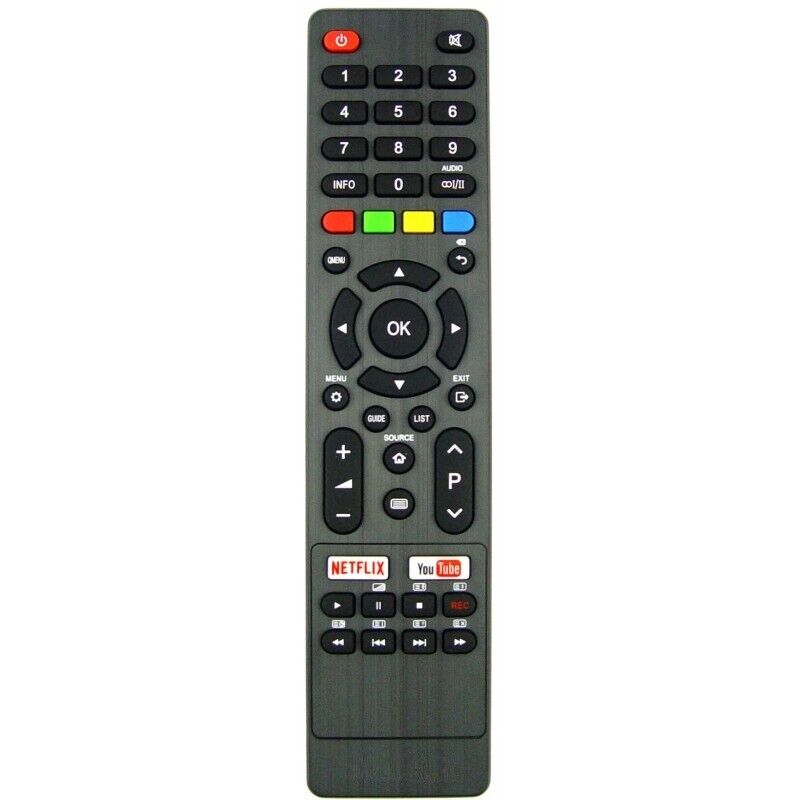
AKAI TV Replacement Remote Control AK4019NF, AK4020NF, AK6520UHDNF $27.00 NZD View current product details
-
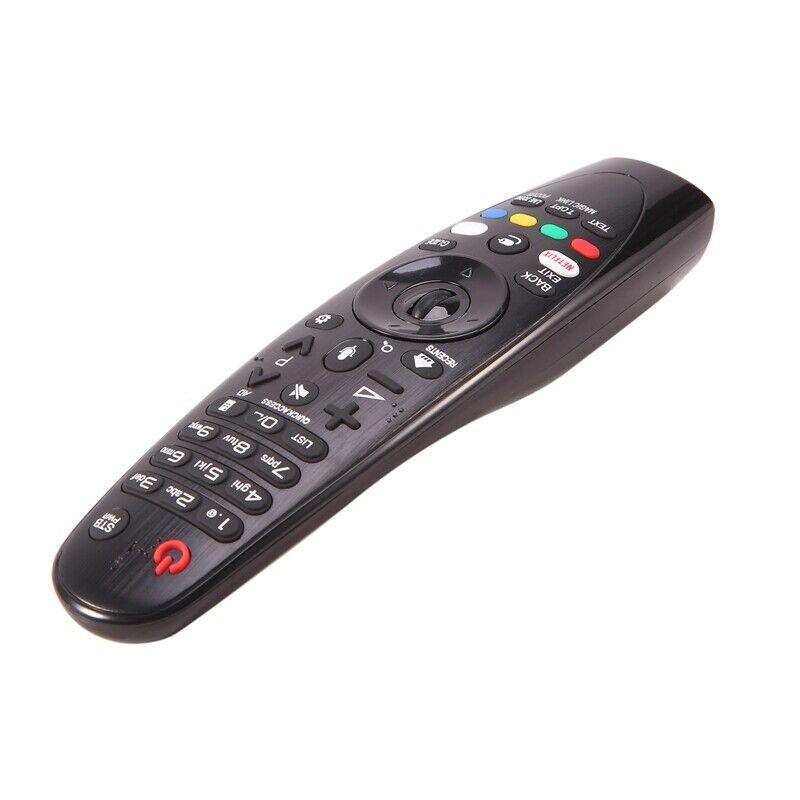
AN-MR650A Replacement Remote Control with Voice Function and Mouse Function W6B6 $46.00 NZD View current product details
-
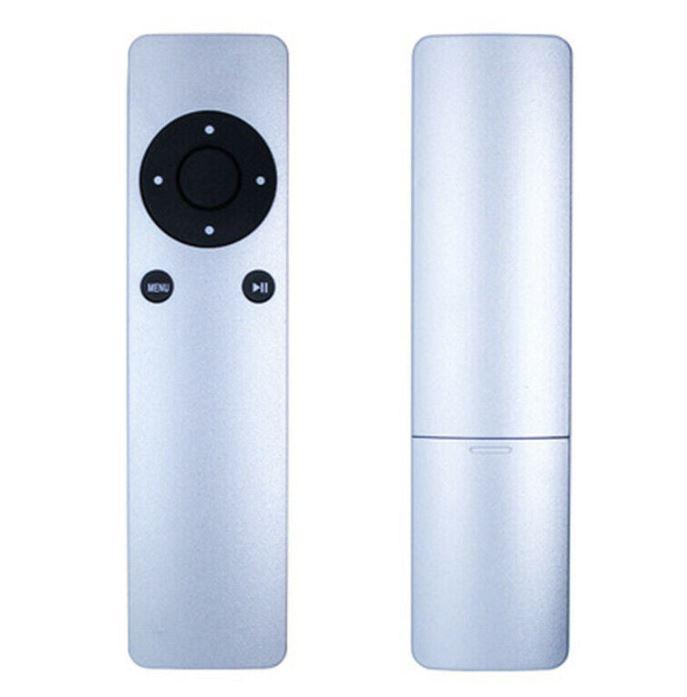
Replacement Universal Infrared Remote Control Compatible For Apple TV1/TV2/TV3 $17.00 NZD View current product details
Check the product page for current specifications, compatibility and availability.