Batteries & cameras · Compatibility
A Dyson Vacuum Battery Replacement Guide: V6 to V11
Match your Dyson V6, V7 or V11 battery by model, DC and SV code, plus click-in or screw-in fitting, before ordering a replacement.
In this guide · Jump to a section
When a cordless vacuum runs for only a short time, the battery is an obvious suspect. Yet buying a replacement without checking the model can create a new problem. Dyson V6, V7 and V11 batteries use distinct product descriptions, and V11 replacements can be click-in or screw-in.
Your first job is to identify the vacuum, not to estimate its age. Look for the model name and SV code on the machine, then compare those markings with the listing. DC model codes can also matter, particularly in the V6 range where several DC and SV names appear.
This guide explains how to read those labels, sort the battery types, and choose a compatible charger only when the charger’s stated models match. It also covers a careful changeover routine, so the vacuum and battery connection are treated with due care.
Find the model code before you shop
Turn the vacuum off and disconnect it from charging before inspecting the label. Record the complete model name, any DC code, and the SV identifier. A close photo is useful because a single digit can separate two different product families. Do not rely on a nickname such as “Animal” without the code that accompanies it.
The V6 replacement listings in this group name DC58, DC59, DC61, DC62, DC72 and DC74, plus SV03, SV04, SV05, SV06, SV07 and SV09 across the relevant products. The V7 battery is described for V7 / SV11 models. The V11 screw-in battery is expressly for SV14, while the other V11 option is identified by its click-in design.
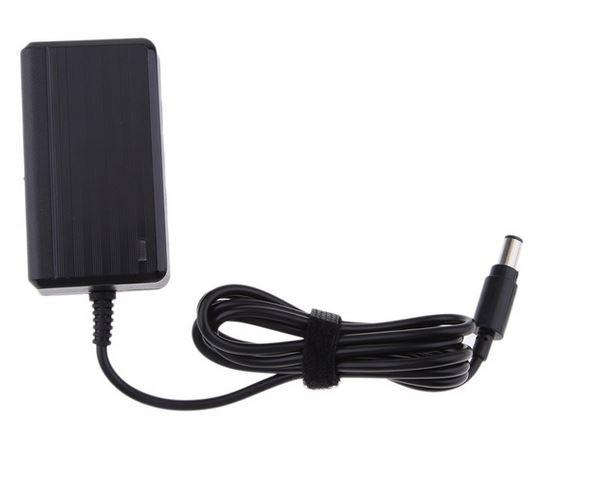
A charger has its own compatibility range. The charger adaptor listing covers DC30, DC31, DC34, DC35, DC44, DC45, DC56 and DC57. That is a separate list from the V6 battery range. Match a charger only where its stated series agrees with the machine you own.
Dyson battery and charger cross-reference
| Vacuum family shown in listings | Replacement category | Critical check |
|---|---|---|
| V6 with named DC and SV codes | V6-compatible battery | Compare the exact DC or SV code against the product listing. |
| V7 / SV11 | V7 battery | Confirm V7 and SV11 wording before purchase. |
| V11 | V11 replacement battery | Inspect whether the existing battery is click-in or screw-in. |
| V11 SV14 | V11 SV14 screw-in battery | Confirm the SV14 label and screw-mounted arrangement. |
| DC30 to DC57 models stated | Charger adaptor | Match only the named charger model range. |
Use the table as a model-code map. It does not imply that every code within the broad Dyson range shares one battery. Product titles and descriptions provide the supported codes for each battery, so compare the code on your vacuum with the individual item before deciding.
Choose the battery fitting and bundle that fit your vacuum
V11 owners have an extra physical check. A click-in battery and a screw-in battery are not described as the same fitting. Examine the old battery where it meets the handle. If it is secured by screws, the SV14 screw-in option is the relevant type to investigate. If it uses a release-and-click arrangement, consider the click-in option after confirming your model.
For V6 machines, the product range includes several batteries with overlapping code lists. Compare the specific codes in the title and description, then look at what is included. One V6 option is paired with a filter, while another product is described with a 4800mAh capacity. Those details can guide the selection only after the model match is clear.
The V7 battery listing states V7 / SV11 compatibility and includes two pre-filters. It should not be selected for a V6 merely because both are cordless hand-held vacuums. Different generations can have different housings, connectors, and attachment methods.
Safe battery replacement and charging habits
Switch the vacuum off and remove it from the charger before any work. Place it on a stable surface, keep the correct screws together, and follow the fitting method for your model. Do not force a battery into the handle or use an incorrect screw to make a part fit.
Inspect the contacts and battery case before installation. Stop if you see corrosion, damaged plastic, swelling, fluid, scorch marks, or a loose connector. Batteries and chargers should be kept dry and away from heat. Use the intended charger for the stated model range and a suitable Australian power point.
After fitting, charge and test the vacuum while you can observe it. The Type-B battery listing recommends charging for about four to six hours before use. Follow the instructions supplied with the actual product you choose, because charge guidance can vary by battery. If the vacuum shows unusual heat, smell, or behaviour, disconnect it and do not continue using it.
Compatible battery and charger options
OfficeCatch has batteries and a charger across the model groups discussed above. Each link below should be checked against the code on your vacuum and the attachment style of the old battery.
| Model group or need | Product | Compatibility clue from listing |
|---|---|---|
| V6, DC58, DC59 and SV09 | V6/DC58/DC59/SV09 replacement battery | Names V6, DC58, DC59 and SV09. |
| V6 Animal and DC series | V6 Animal DC-series replacement battery | Lists DC58 through DC74 and selected SV codes. |
| Named DC30–DC57 charger range | DC30–DC57 battery charger | States compatibility from DC30 to DC57. |
| DC30–DC45 Type-B battery | Type-B replacement battery | Names DC30, DC31, DC34, DC35, DC44 and DC45. |
| V11 click fitting | V11 click-in replacement battery | Identified as a click-in battery. |
| V11 SV14 screw fitting | V11 SV14 screw-in replacement battery | States V11 SV14 and screw-in fitment. |
| V6/DC58–DC74 range | V6 compatible battery for DC58–DC74 | Lists V6, DC codes and SV03 to SV09. |
| V6 compatible alternative | V6 compatible battery, DC58–DC74 | Names DC58 through DC74 and selected SV codes. |
| V6 4800mAh option | V6 series compatible battery | Description states 4800mAh capacity. |
| V7 / SV11 with filters | V7 SV11 battery with two pre-filters | States V7 / SV11 models and two pre-filters. |
| V6 battery and filter bundle | V6 battery and filter set | Names SV03, SV04, SV09, DC58–DC74. |
Once the exact model and fitting are confirmed, choose the product that matches both. Keep the old battery until the new part has been installed and tested. That gives you a physical reference for the attachment method and helps avoid mixing screws or parts from another vacuum.
FAQs
How do I find my Dyson vacuum model or SV code?
Check the label on the vacuum for the model and SV code, then compare it with the replacement battery listing. The V6 listings name several DC and SV codes, while V7 is identified as SV11 and the screw-in V11 listing is identified as SV14. Do not choose by colour alone.
What is the difference between a Dyson V11 click-in and screw-in battery?
The difference is the fitting method. A click-in battery is designed to release and attach by its click-in mechanism, while a screw-in battery is fixed with screws. Inspect your existing V11 battery and its mounting arrangement before ordering. Both products must still be matched to the stated model information.
Can I use a V6 battery in a Dyson V7 vacuum?
No. The listed V6 batteries are described for V6, DC-series and named SV codes, while the V7 product is for V7 / SV11 models. Match the exact series and identifier on your vacuum. Similar-looking cordless vacuums can use different battery housings and electrical connections.
Should I replace my Dyson charger or battery first?
Check the model and diagnose carefully before ordering. A battery may be worn if it no longer holds charge, but a damaged charger can also prevent charging. The listed charger is for named DC30 to DC57 models, not the V6, V7 or V11 battery range. Match the charger’s stated models first.
Products linked in this guide
-
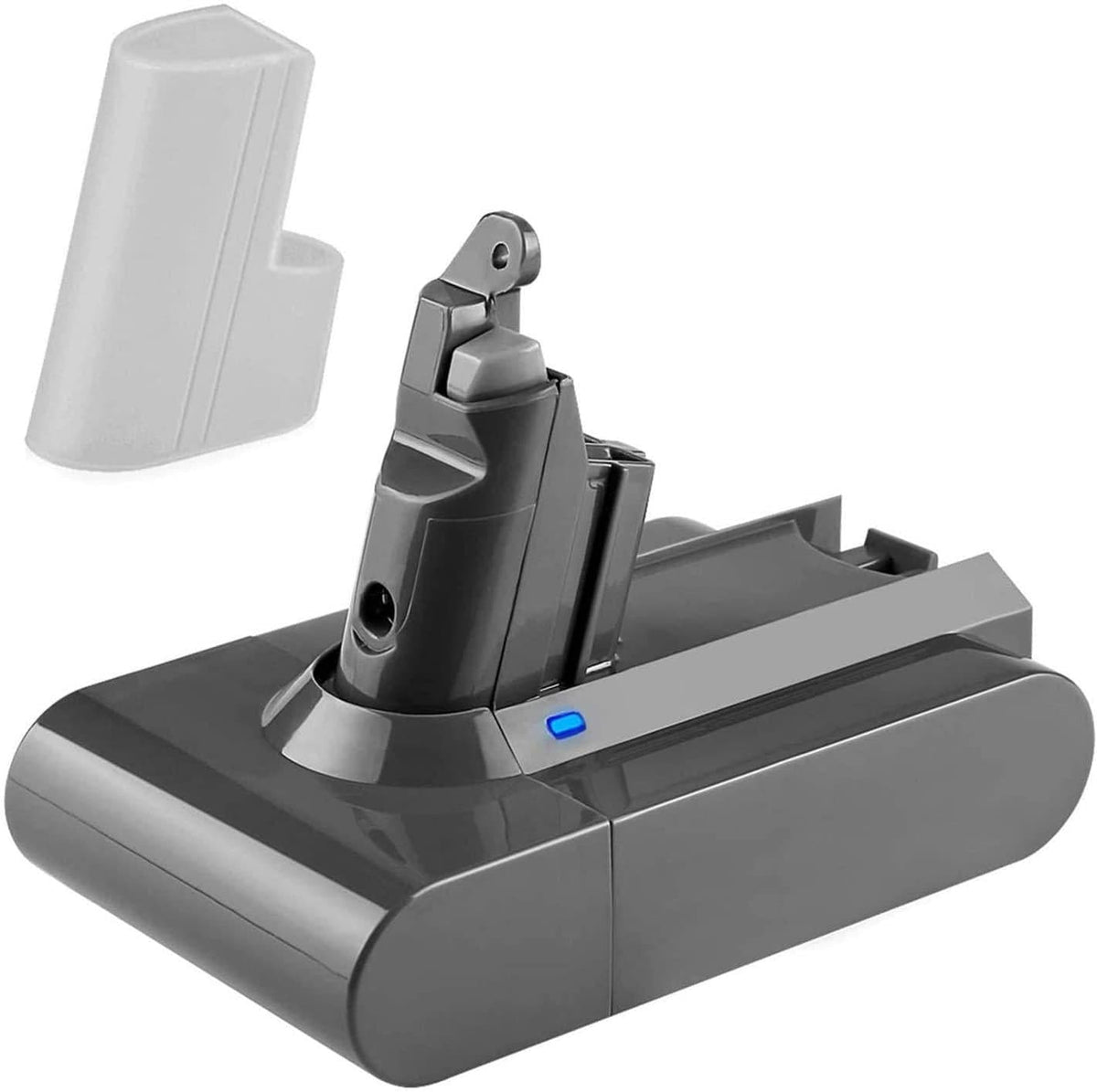
Battery for Dyson V6 , DC59 DC58 & SV09 vacuum cleaners $69.00 NZD · Sold out View current product details
-
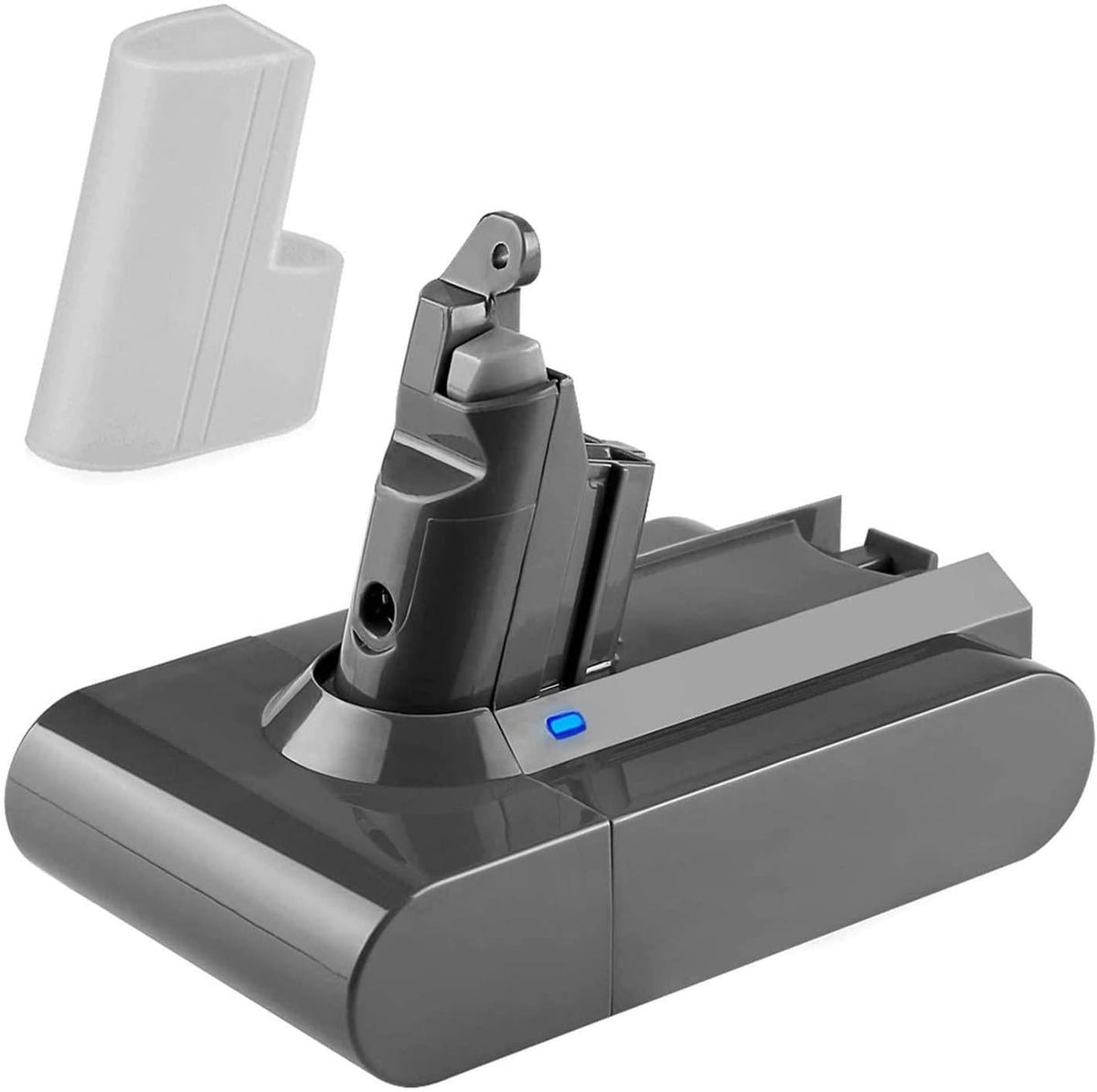
Dyson V6 Vacuum Replacement Battery Animal DC58 DC59 DC61 DC62 DC72 DC74 SV03 SV04 SV09 $70.00 NZD · Sold out View current product details
-
Dyson DC30 DC31 DC34 DC35 DC44 DC45 Battery Charger $37.00 NZD · Sold out View current product details
Check the product page for current specifications, compatibility and availability.